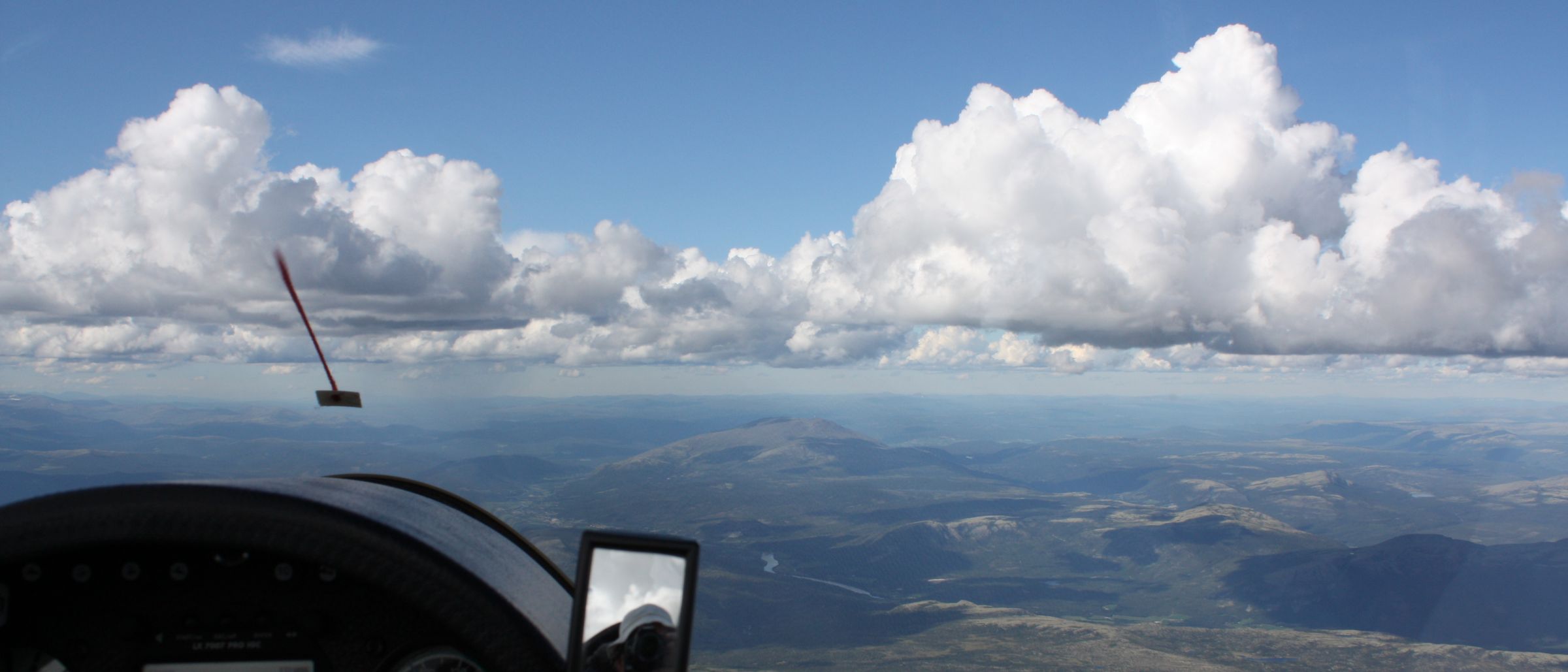
From a glider cockpit at height: the panel in shadow, cumulus along the horizon and Norwegian terrain below.

Soaring instruments for the wrist and the eye

Your landing options,
still in view.

Low and circling, the panel turns to the thermal screen. The fields you were counting on leave the glass at the moment you most want them. Keep them on your wrist, or in front of your eyes.

A second view, beside the panel.

Cubio keeps what you chose on your wrist or in your glasses — one glance away, whatever the flight computer is doing.


In your view

GlideGlass

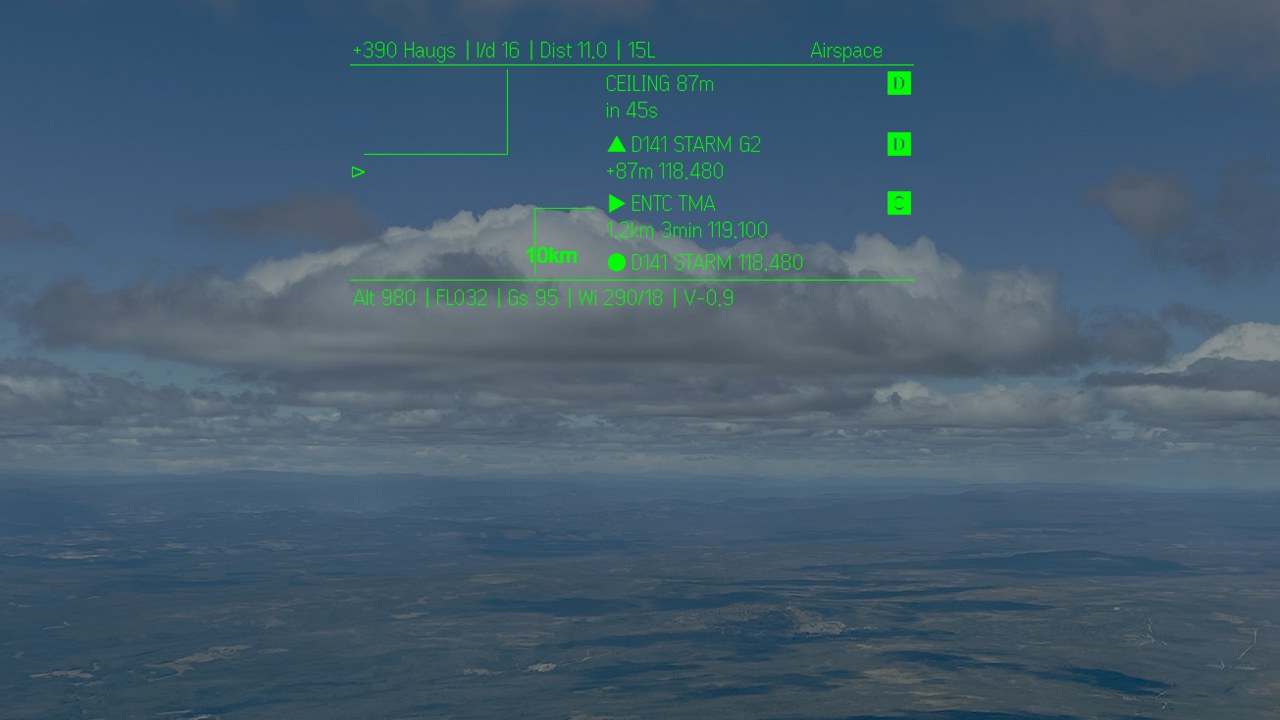
A head-up display for gliding on Even G2 glasses: what you would look down for, in the corner of your eye. It runs on your Android phone.

  • 01Final glide to the field you choose or the best one: arrival height, the L/D it needs and the turn to it
  • 02Traffic from OGN and ADS-B, on a radar and on the horizon ahead, with height above or below
  • 03Airspace along your track: its class, how far and how soon, and the frequency
  • 04The fields near you, with the runway and frequency of the one you fly to

See GlideGlass

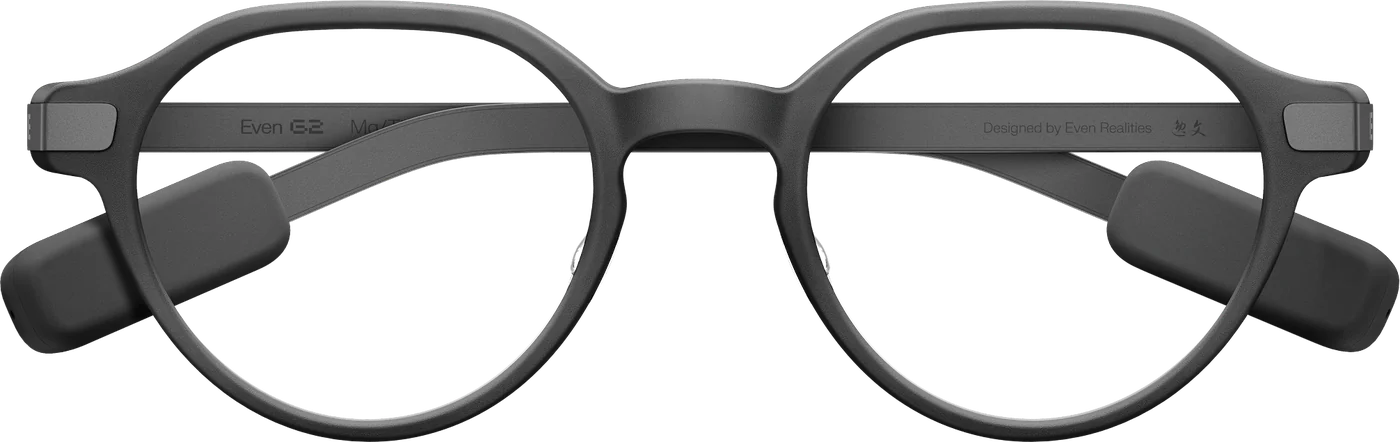
The GlideGlass head-up display over the clouds: arrival height at the field ahead, airspace warnings and altitude, as seen through Even G2 glasses. Even G2 smart glasses, front view.
  • The GlideGlass home screen: the way home, your trail, and the wind along and across your track.

    The way home

  • The GlideGlass traffic screen: nearby aircraft on a radar with their height above or below.

    Who else is about

  • The GlideGlass fields screen: the fields near you on a radar, with the runway of the one you fly to.

    Where you can land

  • The GlideGlass airspace screen: the airspace along your track, its class, distance and frequency.

    What is ahead

Needs an Android phone with GPS and Even G2 glasses. A 12-month subscription, cancel any time.


On your wrist

GlidePanel

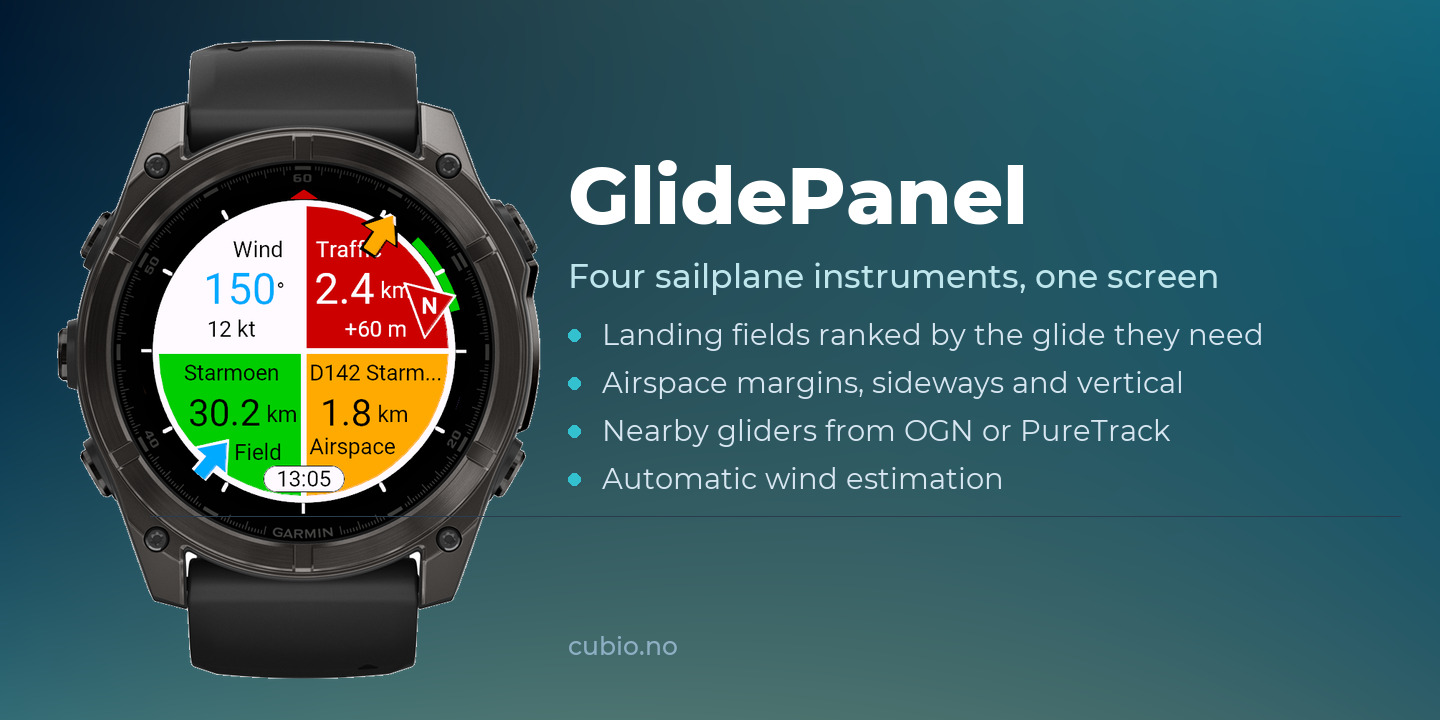
The four things you keep looking for, on one watch: where you can land, what airspace is ahead, who else is about, and what the wind is doing.

  • 01Fields turn green when they are within reach, with the wind allowed for
  • 02A word of warning before you meet airspace, in distance or in height
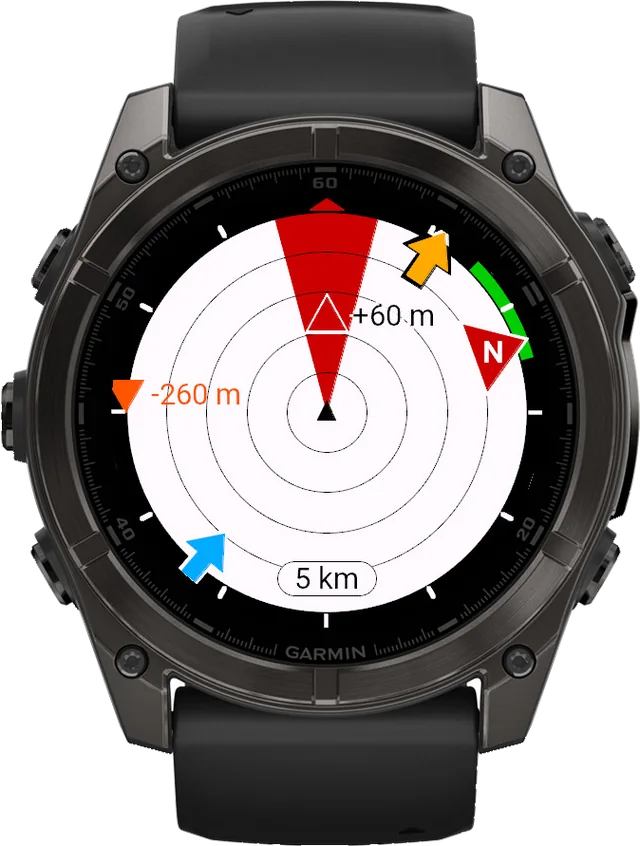
  • 03Nearby aircraft on a small plan view, and a sound that says how close
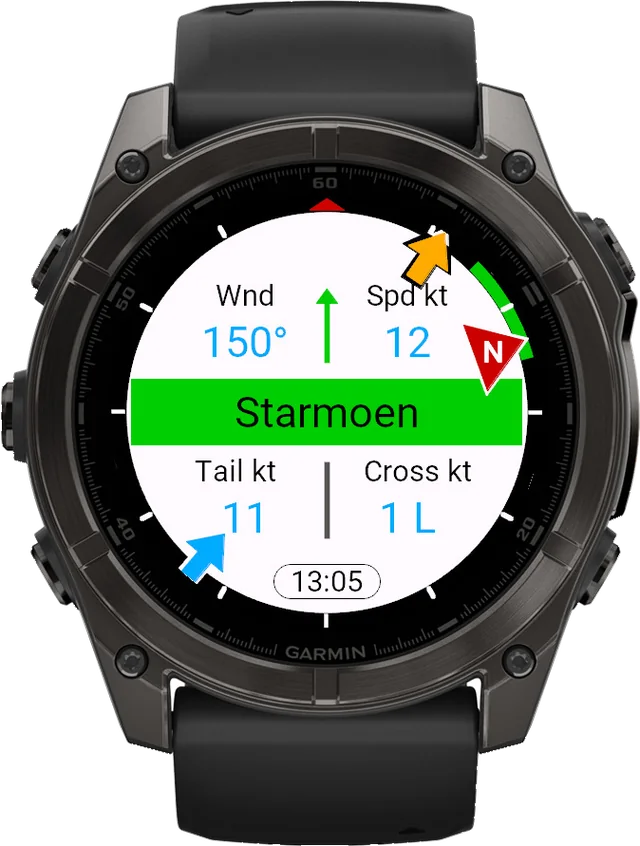
  • 04The wind worked out from your own flying, circling or straight, and used in every glide figure

Try it free

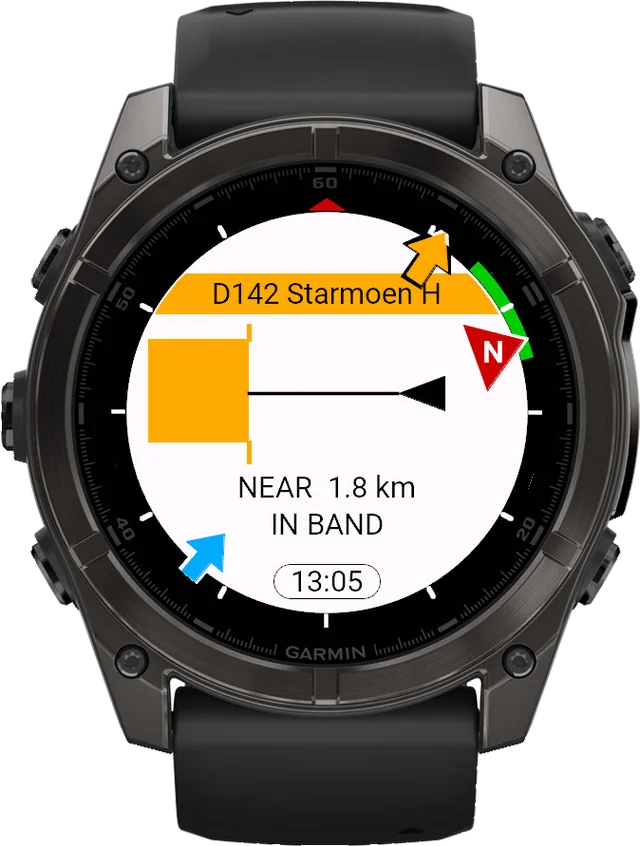
GlidePanel on a Garmin watch: wind, traffic, the nearest field and airspace on one screen.
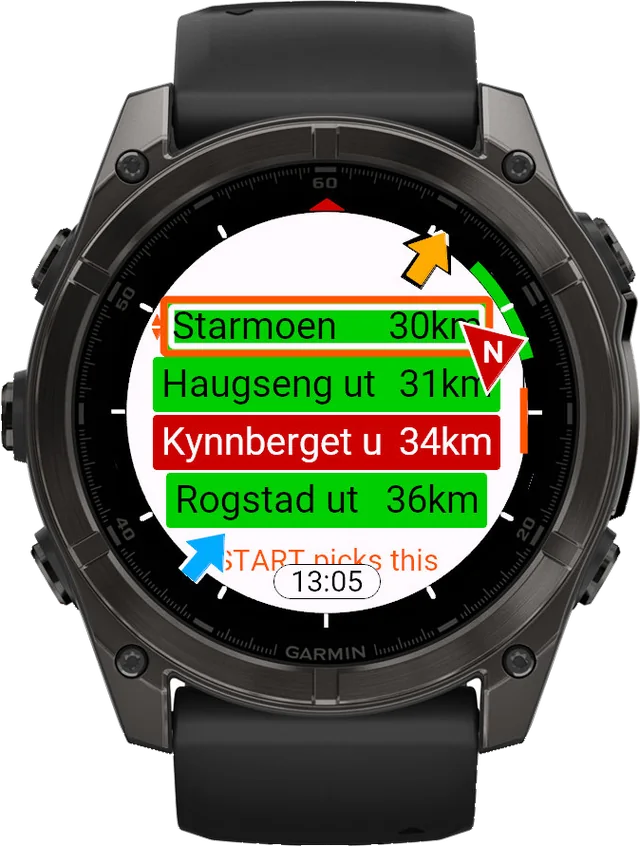
  • A Garmin watch listing landing fields, the nearest in green with the glide ratio it needs.

    Where you can land

  • A Garmin watch warning of airspace ahead, with the distance and the height below it.

    What is ahead

  • A Garmin watch showing nearby aircraft on a plan view, each at its bearing and range.

    Who else is about

  • A Garmin watch showing the wind direction and speed measured from the flight.

    What the wind is doing

Your own fields and airspace, loaded once. Traffic arrives live through your phone, so GlidePanel needs it connected while you fly.
The range

Everything else we make.

Loading the range…

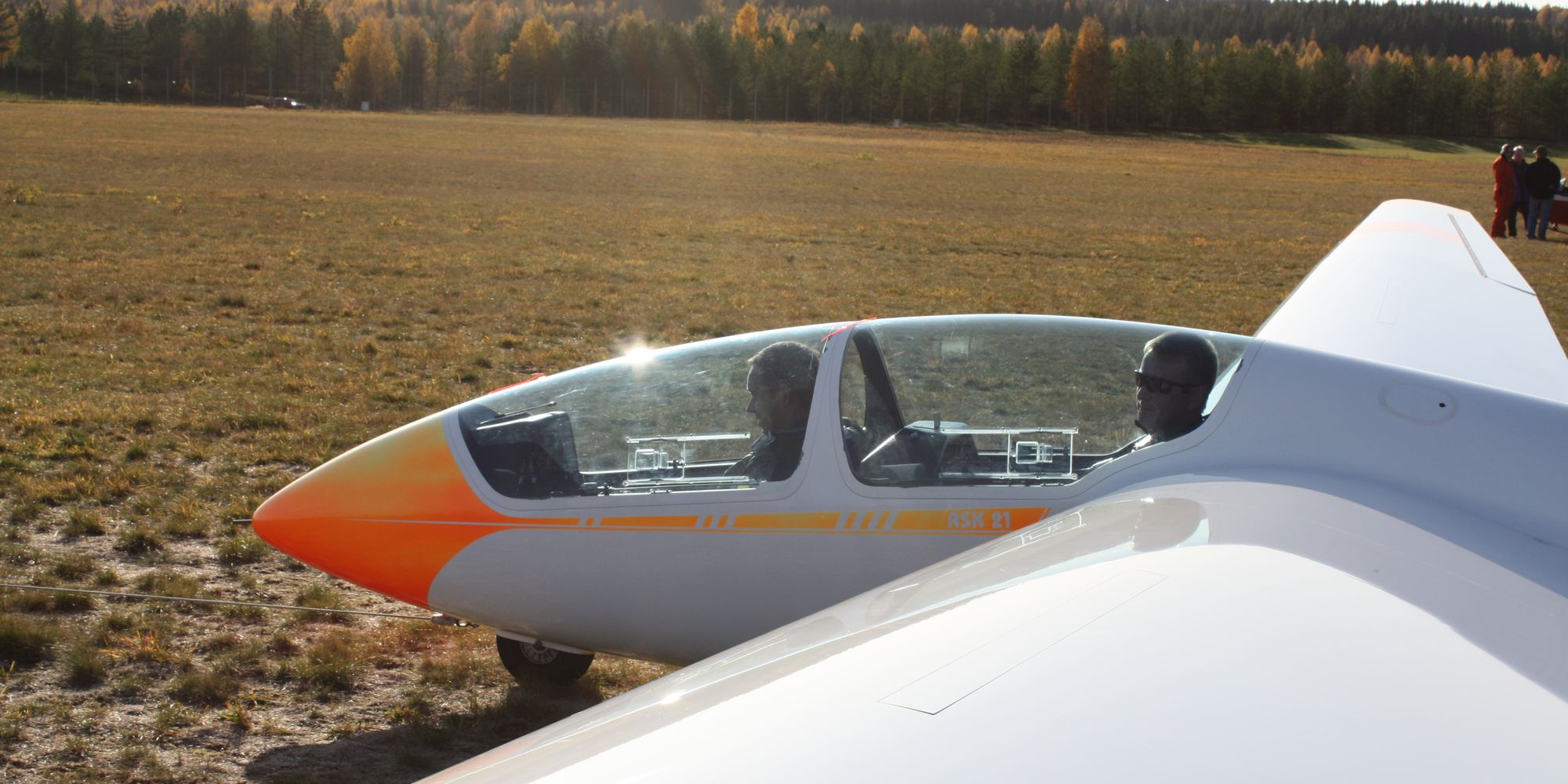
A two-seat glider on the field in low autumn sun, canopy open, ready for the next launch.

We fly them too.

Flown over Norwegian soaring country, on the wrist and in the glasses beside the panel. Made by Jan Olav Endrerud, glider pilot.

GlideGlass GlidePanel

Cubio apps are recreational awareness aids. They add a second view beside your panel. They do not replace current charts, flight preparation, certified equipment, lookout or your own judgement. Safety & liability